What Is A UPI Mandate? Meaning, Uses, Application & How It Works
Key Takeaways
- A UPI Mandate lets users automate recurring payments by authorising automatic debits from their UPI-linked bank account.
- It is commonly used for EMIs, SIPs, insurance premiums, subscriptions, and utility bill payments.
- Users only need to approve the mandate once with their UPI PIN; future payments happen automatically.
- Key components include the payment amount, frequency, validity period, and user authorisation.
- UPI Mandates help avoid missed payments, save time, and support better credit discipline.
- Users can view, modify, or cancel active mandates anytime through their UPI app.
Do you, despite setting up multiple reminders, always end up missing payment deadlines? EMIs and subscriptions are a way of life now, and if you add to this how hectic life is, the most common answer you'll get is 'yes.'
The good news is that we now have the convenience of making quick payments via UPI. No more logging into apps, pulling out debit cards, and waiting for OTPs. The even better news is that you can automate most of these recurring payments, ensuring you never miss a single one.
That's exactly what a UPI mandate does, and this blog will tell you everything you need to know about them.
What is UPI Mandate?
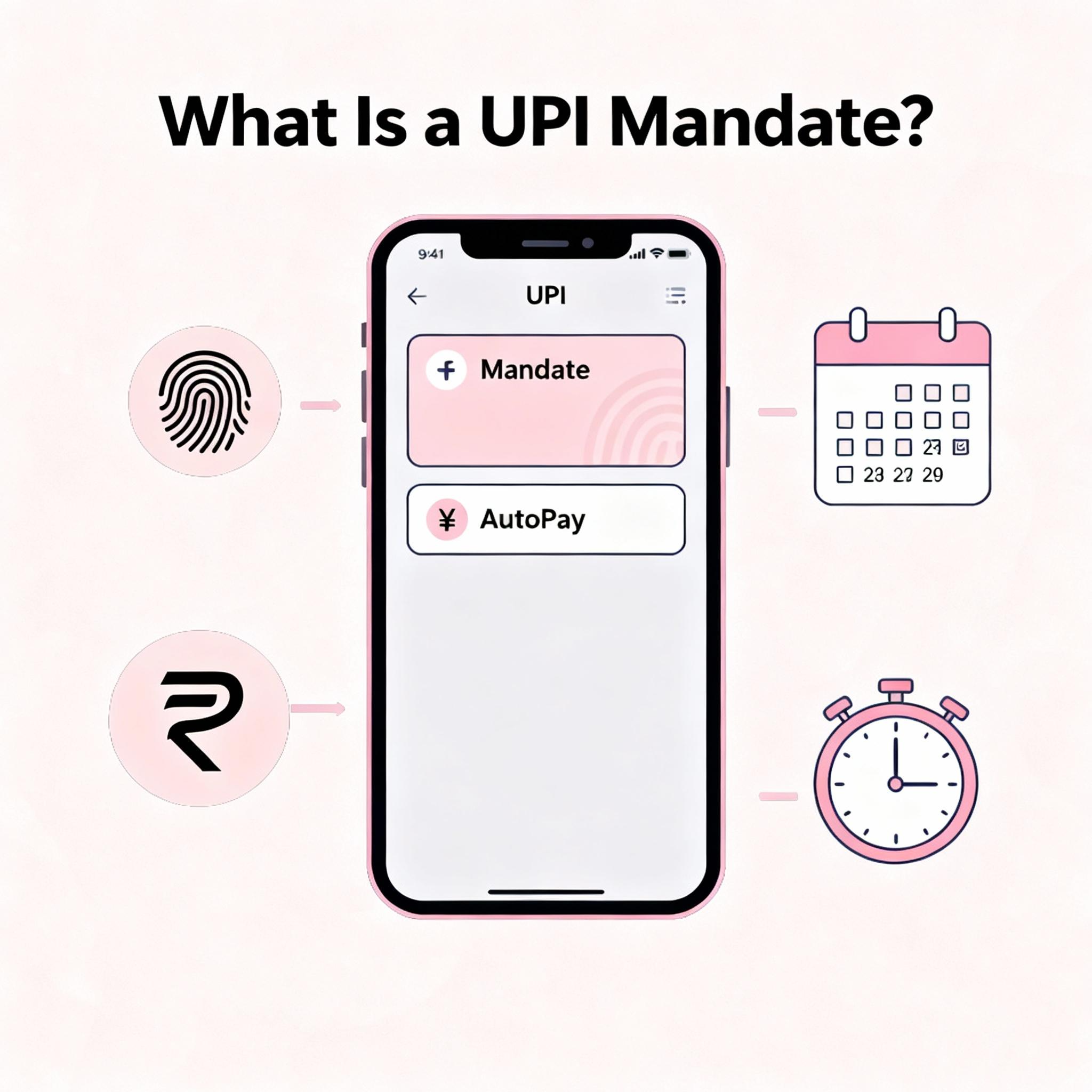
A UPI mandate is an NPCI-approved standing authorisation that lets a user pre-approve a merchant or service provider to debit a fixed amount from their UPI-linked bank account on a defined schedule. Once set up, the debit happens automatically on the due date without requiring the user to log in, enter a PIN, or initiate a transfer manually. It is the UPI equivalent of an auto-debit instruction, but works across all UPI-enabled banks rather than only within the same bank.
Why a UPI mandate is the preferred way to automate recurring payments:
- Set once, run indefinitely - no manual action needed once activated
- Cross-bank compatible - works irrespective of which bank holds the user's or merchant's account
- No card details shared - the merchant never sees account number, IFSC, or card credentials
- PIN-authorised setup, no PIN at debit - strong control at creation, frictionless execution at run-time
- Modifiable and cancellable anytime - by the user from the UPI app
Also Read: What is UPI and How Does UPI Work?
Types of UPI Mandates
Payment mandates are mainly of two types, based on how payments are authorised and executed:
- One-time mandate: Used for a single future payment, such as IPO applications or advance bookings.
- Recurring mandate: Used for regular payments like monthly instalments, subscriptions, or utility bills at fixed intervals.
These options help automate payments while giving users control over timing, amount, and frequency.
How Does A UPI Mandate Work?
There are primarily two types of mandates:
- Merchant-Initiated Mandate: Here, a merchant (your loan provider, streaming service, or insurance company) sends you a mandate request, and you authorise it.
- User-Created Mandate: Some apps allow you to set up a mandate on your own to make recurring payments like your rent or gym fee.
The setup flow is the same whether you are automating a loan EMI, an OTT subscription, an insurance premium, or a utility bill. Here are the Five steps:
- Step 1 - Initiate the mandate: For an EMI or insurance premium, the lender or insurer typically sends a mandate request to your registered UPI ID after loan disbursal or policy issuance. For a utility bill, open the biller's app or your UPI app and choose "Set AutoPay" against the registered biller.
- Step 2 - Open the request in your UPI app: A push notification appears with a "Pending Mandate" tag in the UPI app's Mandate / AutoPay section.
- Step 3 - Review the four mandate parameters: Merchant name, amount, frequency (monthly, quarterly, yearly), and validity end-date. Verify each before approving.
- Step 4 - Approve with UPI PIN: Authorise with your standard UPI PIN. The mandate moves to "Active" status immediately.
- step 5 - Confirm linkage at the source: For an EMI, the lender's system marks the EMI as "AutoPay enabled". For a utility bill, the biller marks the registered ID as "Set". The first debit happens on the next scheduled cycle.
Key Components Of A UPI Mandate
Every mandate setup has four major components.
- Authorisation: The approval you give by entering your PIN to activate the mandate.
- Frequency: How often (weekly, monthly, yearly) the payments are deducted or made.
- Amount: The specific amount that is to be deducted per payment.
- Validity: The time period for which the mandate stays active.
Also Read: Set It and Forget It: Using UPI to Never Miss an EMI Again
Uses And Applications Of UPI Mandates
Mandates work best for repeat payments with fixed amounts. Some of their most common use cases are:
- Loan Instalments: Personal, car, and home loans all follow a strict payment schedule. Any delays here lead to expensive penalties. UPI mandates will ensure that never happens.
- Subscriptions: Renewals of your OTT platforms, post-paid phone plans, and gym memberships, all of which have fixed payment structures, can also be made via this method.
- Insurance Premiums: This is one payment you cannot afford to miss or delay, as it can leave you without critical coverage.
In short, any repeat payment whose value doesn't change every month can be automated by setting up mandates.
Benefits Of UPI Mandates
Using payment mandates also offers several benefits over attempting to keep track and make payments manually. With them you:
- Save Money: With a mandate setup, you never miss a payment and, as a result, never have to pay a late fee.
- Save Time: You also never have to spend time tracking your payments, nor have to log into multiple merchant/service apps or websites to make them.
- Maintain/Improve Credit Score: Timely payments will also mean that your credit score will improve over time, a major benefit if you ever apply for a loan in the future.
Also Read: How UPI Credit Line Works & Who Should Use It
Real-life Example
- You invest ₹5,000 monthly in a SIP using a UPI mandate
- Set a fixed auto-debit date for hassle-free payments
- The amount gets deducted automatically without manual action
- Receive pre- and post-transaction notifications
- Ensures transparency and better payment tracking
- Helps avoid missed installments and late fees
- Makes recurring investments smooth with a UPI mandate system
Limitations of UPI Mandates
- Bank Restrictions: Not all banks fully support every upi mandate feature or limit.
- Transaction Caps: Pre-set limits may restrict high-value auto-debits.
- Approval Dependency: Users must approve mandates, adding friction to setup.
- Technical Failures: Downtime or app issues can disrupt scheduled payments.
- Validity Period: Each upi mandate expires, requiring renewal for continuity.
Security Features Of UPI Mandates
UPI mandates also ensure top-notch security.
- PIN authorisation only: No one can activate a mandate without your PIN.
- Real-time debit notifications: You get real-time alerts every time there is a debit via a mandate.
- Absolute control: You stay in control, as you can pause or cancel a mandate at any time, even if it's one initiated by a merchant.
UPI Mandate: Activation, Limits, and How to View Pending Mandates
UPI mandates follow standardised NPCI rules for activation, transaction caps, and pending-mandate visibility:
- Activation timing: A mandate becomes active immediately after PIN approval. Confirmation is sent via app notification and SMS within a few minutes. The first debit, however, occurs only on the next scheduled due date set at creation not on the activation day.
- Maximum amount per mandate: The standard cap is Rs 1 lakh per transaction for most merchant categories. For specified categories (insurance premium, mutual fund SIP, education, healthcare, sub-broking, and credit card bill payment), NPCI permits a higher cap of Rs 5 lakh per transaction.
- Where to view pending mandates: Open the UPI app and navigate to the "Mandates", "AutoPay", or "UPI Mandates" section in the main menu. Pending mandates awaiting approval appear under a "Pending" or "Awaiting Action" tab, while active mandates appear under an "Active" or "Approved" tab. Each mandate shows the merchant name, amount, frequency, and next debit date.
- Sufficient-balance requirement: A scheduled debit will fail if the account balance is below the mandate amount on the due date; some merchants retry once before raising a bounce.
UPI Mandate Vs Other Payment Methods For Recurring Payments
Payment mandates offer clear advantages over traditional recurring payment methods, which are highlighted in the table below.
| UPI Mandates | Traditional Methods | |
| Works across Banks | Can set up mandates to work with all UPI-enabled banks. | Auto-debits or standing instructions only work within the same bank. |
| User Control (Modification/Cancellation) | Complete control over creation, modification, and cancellation of UP mandates. | Limited Control |
| Security | High as bank or card details are shared with merchants. | Low as auto-debit stores card details on merchants' websites. Physical cheques can be misused. |
Simplify Your Finances With UPI Mandates
UPI mandates simplify recurring payments by removing the stress of remembering due dates and manual transfers. You only need to set them up once, and then they take over. What's more, they don't involve a process fee, are structured flexibly, and you retain absolute control over them.
Now, if you are looking for secure credit to gain control over other aspects of your life, you can get an instant loan approved via Hero Fincorp in under 10 minutes. The entire process is paper-free, and you can get the funds in under 24 hours.
Frequently Asked Questions
Can you set up a UPI mandate for loan EMI payments?
Yes. Many lenders, including Hero FinCorp, allow UPI mandates for automatic instalment payments.
Can you modify the amount or frequency after creating a mandate?
Some UPI apps allow you to do this. In the event yours doesn't, your only option is to cancel the existing one and create one with the new parameters from scratch.
What happens if there are insufficient funds during a scheduled debit?
Some lenders retry the debit after a fixed amount of time. However, it's best to make the payment as soon as possible to avoid a late fee.
What is the difference between a merchant-initiated and a user-created mandate?
Merchant-initiated mandates are set by businesses for recurring payments, while user-created mandates are authorised directly by individuals.
Are there any hidden charges or processing fees for setting up a mandate?
There is no user fee. As the customer, you do not pay any charges for setting up or UPI mandates.
How does a mandate contribute to a better credit (CIBIL) score?
Timely payments through mandates support consistent repayment behaviour, which may positively influence your overall credit profile.
Can I temporarily pause a mandate without cancelling it entirely?
Most platforms do not offer a pause option. You usually need to cancel the mandate and set it up again later.
Disclaimer: The information provided in this blog post is intended for informational purposes only. The content is based on research and opinions available at the time of writing. While we strive to ensure accuracy, we do not claim to be exhaustive or definitive. Readers are advised to independently verify any details mentioned here, such as specifications, features, and availability, before making any decisions. Hero FinCorp does not take responsibility for any discrepancies, inaccuracies, or changes that may occur after the publication of this blog. The choice to rely on the information presented herein is at the reader's discretion, and we recommend consulting official sources and experts for the most up-to-date and accurate information about the featured products.