UPI Not Working? Here’s How to Fix It Fast

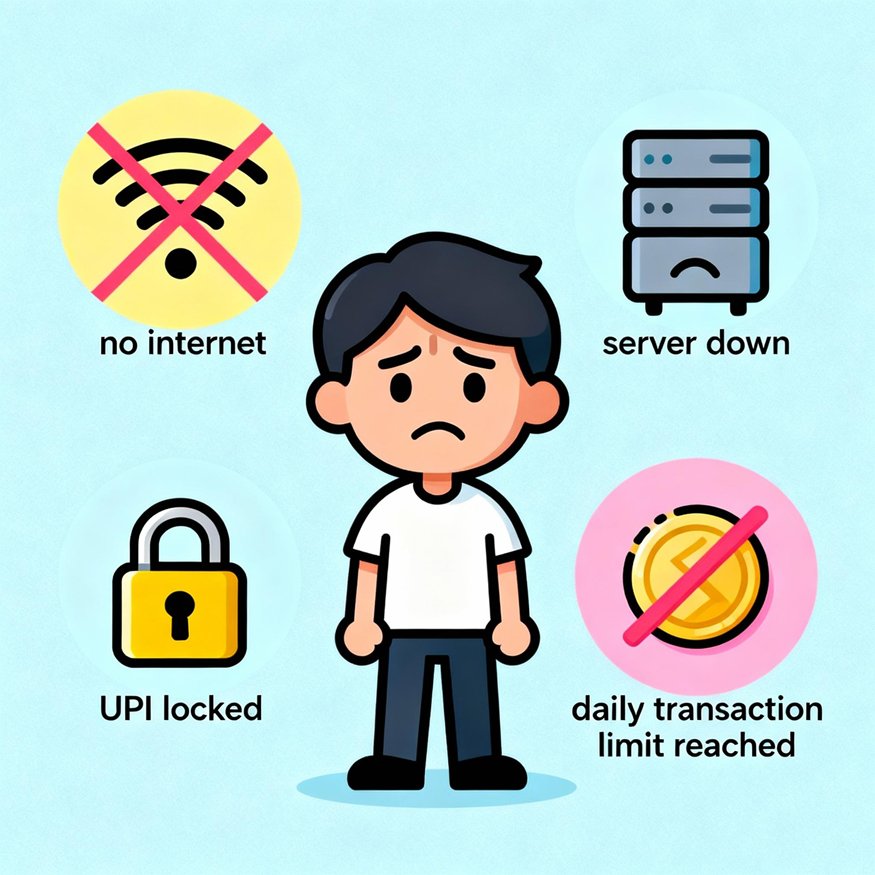
UPI has become the mainstay of all transactions in the country. So much so that a lot of people have even stopped carrying physical money with them. That said, as is the case with all technology, no matter how good, sometimes things go wrong, and UPI is no different.
So what do you do if your UPI is not working, you don't have any cash with you, and the line behind you is growing anxious? The answer, a couple of quick fixes, and this post will tell you how.
The Common Reasons Behind UPI Not Working And How To Fix Them
The answer to "Why is my UPI not working?" is no mystery. Most of the time, it is due to the following, often simple reasons:
Poor Internet Connectivity
Unless you are transacting via UPI Lite X, you need a stable internet connection for UPI and UPI Lite payments to go through. A UPI transaction goes through multiple servers (your bank, NPCI, and the receiver's bank) to complete a transaction.
If any connection breaks mid-transaction, it will end up as a failed transaction or as one that is pending.
How to fix it?
Go into and come out of the phone's Airplane mode or restart it. Both these actions will reset your network connections. If you are in a location with poor coverage, move to an area that has a stronger signal to complete your transaction.
Issues with the Bank or NCPI Servers
Generally, server maintenance is always scheduled past midnight to cause minimal service disruptions to customers. However, sometimes, unexpected glitches can happen during normal working hours as well. If this happens to the NCPI or the bank's server, the UPI transaction will fail.
How to fix it?
If the servers are down, there is nothing you can do but wait. If this transaction can wait, try again after an hour or so. If it's urgent, such as if you are in a line at a store, you have to use another mode of payment, like your debit or credit card from an alternative bank, or cash.
Incorrect UPI PIN Entry
Enter your UPI pin once, and the transaction will not go through. Make the same error two more times, and the UPI app will lock itself. It's a security feature.
How to fix it?
If your UPI app is locked, you can reset your UPI PIN immediately like so: Open your UPI app → Bank or Account settings → "Forgot UPI PIN" or "Reset UPI PIN" → Enter your debit card's last 6 digits and expiry date → Verify with OTP → Create a new PIN.
Also Read: How to Set up a UPI PIN Without a Debit Card?
Insufficient Bank Account Balance Or Exceeding The Daily UPI Transaction Limit
This seems obvious, but it's surprisingly common. Sometimes people forget how much they actually have in their account and attempt to make a transaction for a higher amount. Even if you have sufficient balance, the NPCI and banks set limits on how much you can transact via UPI in a day. Reach this, and no more UPI transactions will go through.
How to fix it?
If you have insufficient funds in the account linked to your UPI pin, you can quickly transfer funds to it from your other bank accounts. Check your bank's UPI transaction limits. If you've already exceeded them, wait until midnight till they reset.
Recent Changes in Account or App Settings
If you change the SIM on your phone or mess around with the App's settings in error. Your UPI may throw errors like App registration with CL failed. You may also get errors if your UPI app has not been updated to the latest version.
How to fix it?
Open the Google Play Store or Apple's App Store. Search for your UPI app. If "Update" appears, tap it. If it's already updated, try uninstalling and reinstalling the app on your phone: Uninstall the app → Restart your phone → Reinstall from the official app store → Log in and re-verify your bank accounts.
Also Read: What is a UPI Address? Meaning and How It Works
How To Prevent UPI Transaction Failures In The Future
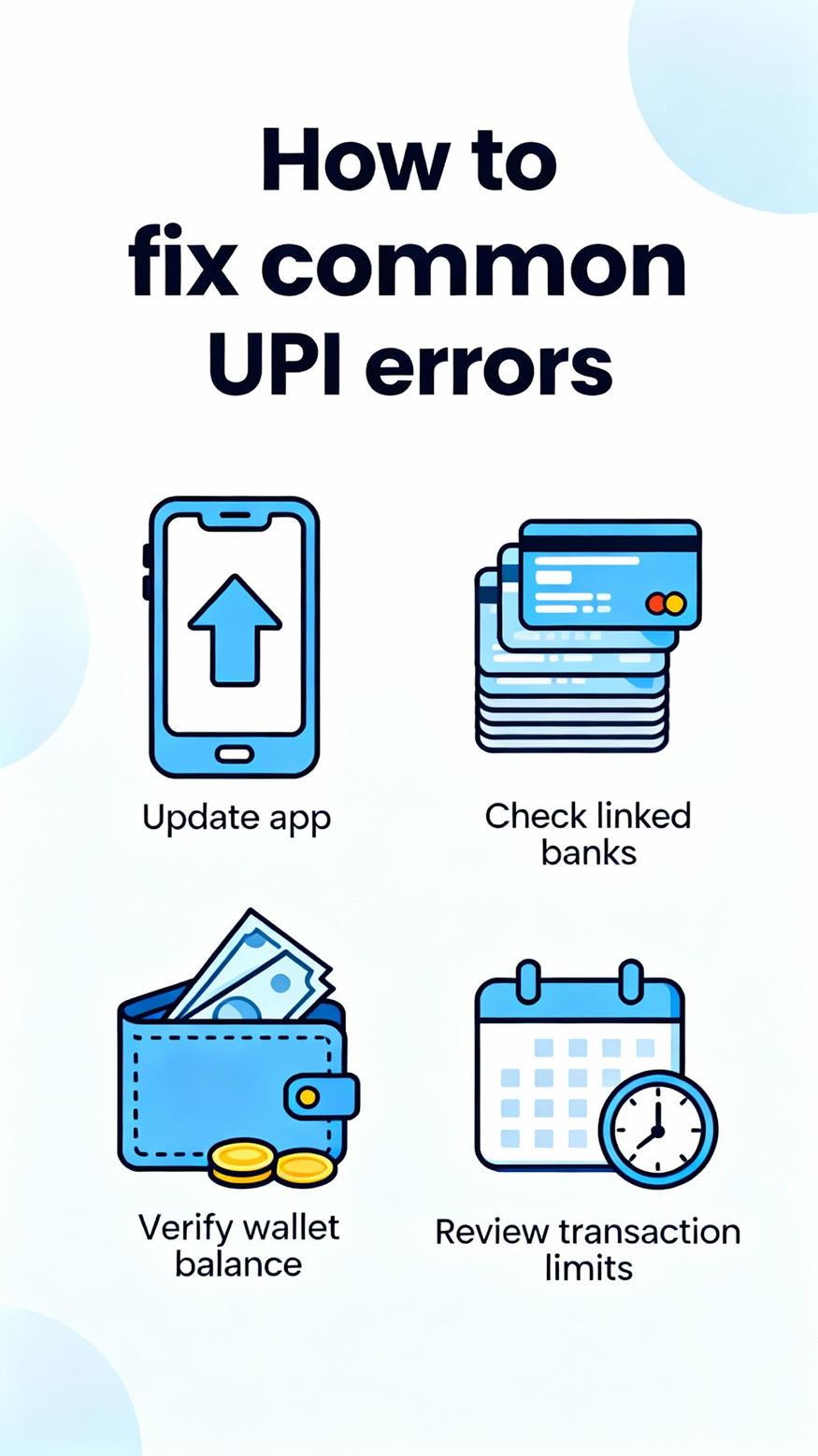
A lot of the above "UPI not working" scenarios can be avoided via a few simple steps like:
● Keep all your UPI apps updated. The best way to do this is to enable automatic updates.
● Link multiple banks to your UPI app. That way, if one bank's server is down, you can easily switch to a different bank and make the payment.
● Make sure you have adequate funds in your bank before you attempt to make a payment.
● Know your daily and per-transaction limits. Make large payments by splitting them into smaller chunks, or make a few just before midnight and then soon after the limit resets.
● Always reconfigure or set up your UPI apps properly if you change your SIM or your phone.
Also Read: How to Unblock UPI ID: A Step-by-Step Guide
Fix Your UPI for Fast Payments Right Away
Your UPI not working at the worst possible time can be frustrating. That said, in most cases, the fixes are extremely easy. The key here is not to panic and identify, eliminate, and solve the potential root causes methodically.
Now, there may be instances where you may need to make an important payment but are running short of funds. Here, a personal loan filed digitally via HeroFincorp's personal loan app can come to the rescue. Approvals are quick, and you can get the money on the same day without having to step out of your home.
Frequently Asked Questions
1. What should I do if my UPI payment failed, but money was deducted?
If a UPI payment fails and the money has been deducted from your account, it will be credited back into your account automatically within 5 days.
2. How long does it take to get a refund for a failed UPI transaction?
Typically, under 24 hours but no more than 5 days. The RBI has set this limit beyond which the bank will have to compensate you ₹100 per day.
3. Can UPI transactions fail due to server downtime or maintenance?
Yes, a UPI transaction needs to connect with specific servers to complete a transaction. If they are down, the transaction will fail.
4. How do I reset my UPI PIN if it's locked or forgotten?
You can reset your UPI PIN using the following steps:
1. Open your UPI app and head to the Bank account section.
2. Click the Forgot PIN or Reset PIN option
3. Enter your debit card's last 6 digits and expiry date.
4. Verify with OTP that will come to the registered number.
5. Create a new (secure) PIN.
5. Why am I seeing an "App registration with CL failed" error on UPI?
An "App registration with CL failed" error indicates registration failure between your app and your bank's system. You need to uninstall, reinstall, and set up your UPI again to fix this.
6. Are there transaction limits that cause UPI to stop working?
Yes, there are transaction limits the NCPI has set for UPI transactions. In addition, banks set their own limits. Go through your bank's website to know what your UPI transaction limit is.
Disclaimer: The information provided in this is for informational purposes only. While we strive to present accurate and updated content, travel conditions, weather, places to visit, itineraries, budgets, and transportation options can change. Readers are encouraged to verify details from reliable sources before making travel decisions. We do not take responsibility for any inconvenience, loss, injury, or damage that may arise from using the information shared in this blog. Travel involves inherent risks, and readers should exercise their judgment and caution when implementing recommendations.