Merchant QR Code: Meaning & How to Get

- What Is a Merchant QR Code?
- How Merchant QR Codes Work
- Benefits of Merchant QR Codes for Businesses in India
- Types of Merchant QR Codes
- How to Get a Merchant QR Code for Your Business in India
- Security and Fraud Prevention with Merchant QR Codes
- Next Step Towards Smarter Money Management
- Frequently Asked Questions
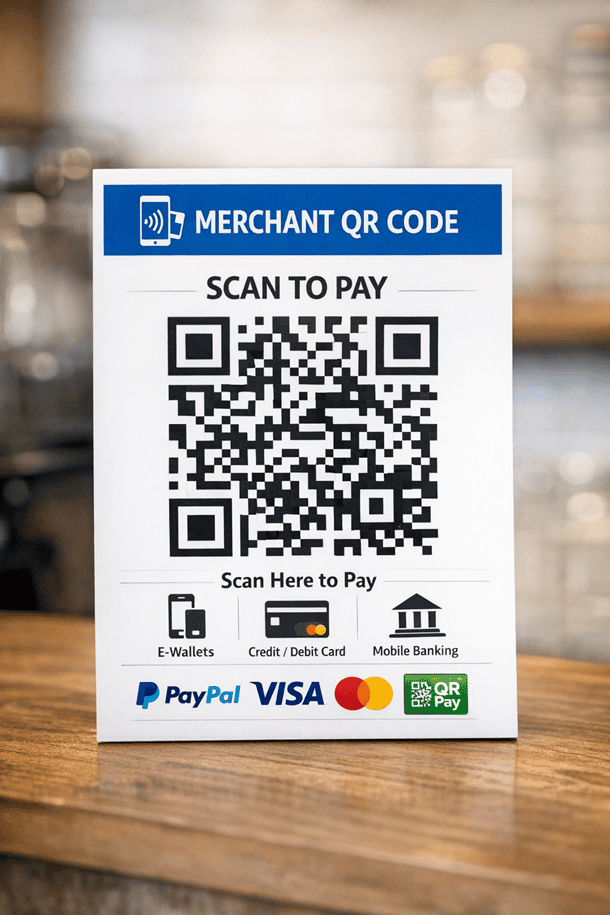
An increasing number of businesses today are constantly seeking ways to simplify their payment processes to make them more secure and convenient for customers.
This is where merchant QR codes come in. With over 657.9 million merchant QR codes available across India, this solution has become vital for businesses of all sizes. Read on for more details on merchant QR codes.
What Is a Merchant QR Code?
Customers can pay a retailer directly from their smartphone using a merchant QR code. Quick, easy payments are made possible by the QR code's connection to the merchant's Unified Payments Interface (UPI) account.
Merchants typically generate these codes through payment providers, which link them to their digital wallets or bank accounts. The purpose is to make it easy to display in-store or online, thereby streamlining checkout and reducing cash handling.
Also Read: UPI Fraud Red Flags in 2025 - QR, Screen-Share, and “Payment Requests” Scams
How Merchant QR Codes Work
The process comprises several steps as listed below:
QR Code Generation
The merchant generates a QR code that displays their payment information, including the merchant's UPI ID.
Display of QR Codes
At the point of sale, the retailer shows the QR code. For convenience, it is usually kept next to the cashier in physical stores.
Customer Scanning
The client can use any UPI-enabled payment app to scan the QR code.
Permission
The payment app shows the transaction amount and merchant information after you scan the QR code.
Processing of Payment
The payment request is processed later, facilitating the secure transfer of funds from the customer’s bank account to the merchant’s bank account.
Completion of the Transaction
As soon as the transaction is completed, both the merchant and the customer receive an instant notification.
Benefits of Merchant QR Codes for Businesses in India
Here are the key benefits of merchant QR codes for businesses in India:

Instant Payment Realisation
With a merchant QR code, you get real-time confirmation via UPI or card networks.
Elimination of Problems with Cash Handling and Change
Paying with a merchant QR code is more convenient because it removes the need to handle actual cash or change.
Minimal Setup Expenses
Hardware or equipment is not required to set up a merchant QR code. A printed or digital QR code is all that is required.
Enhanced Convenience for Customers
Merchants can easily identify clients using a UPI-enabled mobile app via merchant QR codes.
Types of Merchant QR Codes
Merchant QR codes are primarily of two types:
- Static Merchant QR Codes: These include permanent information like the merchant's bank account, VPA, or UPI ID. In this instance, after scanning, the user must manually enter the payment amount.
- Dynamic Merchant QR Codes: These codes are created for every purchase and contain information on the merchant, amount, and expiration date. It offers better security, reduces errors, and provides better transaction tracking to users.
Also Read - Advantages of Using UPI for Everyday Transactions
How to Get a Merchant QR Code for Your Business in India
Here's a stepwise process to get a merchant QR code in India:
Step 1: Pick a QR Code Provider
There are multiple channels to apply for a merchant QR code.
For instance,
- Banks (HDFC, SBI, Axis, etc.)
- Apps for payments (Google Pay, PhonePe, Paytm, BharatPe)
- Financial organisations such as Hero FinCorp and NBFCs
Step 2: Complete Merchant Registration
Register as a merchant via the provider’s app, website, or branch by entering details like-
- Business name and mobile number
- Type of business
- Bank account details for settlements
Step 3: Submit Required Documents
- PAN card (individual or business)
- Aadhaar card or address proof
- Bank account proof
- Business proof
Step 4: Confirmation and Acceptance
The provider checks your information after you submit the paperwork.
Step 5: Get Your QR Code and Show It
A static or dynamic merchant QR code will be sent to you once the information is confirmed. To finish the transaction, you must plainly present it at the payment counter.
Quick Tip: Manage loan repayments and carry out secure digital transactions anytime using Hero FinCorp's Digital Lending App on Android or iOS.
Security and Fraud Prevention with Merchant QR Codes
Here are some of the security measures merchants can take for their businesses
- Use Dynamic QR Codes: Since these QR codes change per transaction, it makes it harder to duplicate and hence more secure
- Secure Placement: Always display codes in high-visibility, low-tamper areas
- Report Incidents: Report incidents promptly to remove compromised code and report issues to the authorities
Next Step Towards Smarter Money Management
Paying with merchant QR codes is a testament to how technology can simplify everyday life when used wisely. With a continuous rise in digital payments, the need today is for higher confidence and control.
With Hero FinCorp, you gain confidence and control through smart tools, secure financial solutions, and a trusted partner that grows alongside you. Explore our online personal loan options today and move closer to achieving your financial goals-big or small!
Frequently Asked Questions
Is there a charge for getting a merchant QR code?
No, getting a basic merchant QR code for UPI payments is usually free.
What is the limit on payments received via a merchant QR code?
Limits on payments received via a merchant QR code vary by provider and account type. While some impose daily restrictions, others impose monthly restrictions for security and compliance.
How long does it take for money to be credited to the merchant account via QR code?
Money usually arrives instantly or within seconds via the merchant QR code.
Can I use the same QR code for multiple bank accounts?
No, since each static code links to specific details, you cannot use the same physical QR code image for different bank accounts.