UPI Tap and Pay: The Future of Contactless Payments in India
The way we make payments has changed dramatically over the past few years. Initially, we used cash, and this was not an easy experience for anyone who hated doing mental math.
Then came the switch to plastic money, i.e, your debit and credit cards. A significant upgrade, but still involved the faff of pulling the right card out of a slot, which barely had space for your fingers to fit into.
Finally, we switched to UPI, by far the easiest way to make payments. But what if there was a way to make this payment method even easier? That is where UPI Tap and Pay comes in - the next step in the technology's evolution, and this post will tell you everything you need to know about it
What is UPI Tap and Pay?
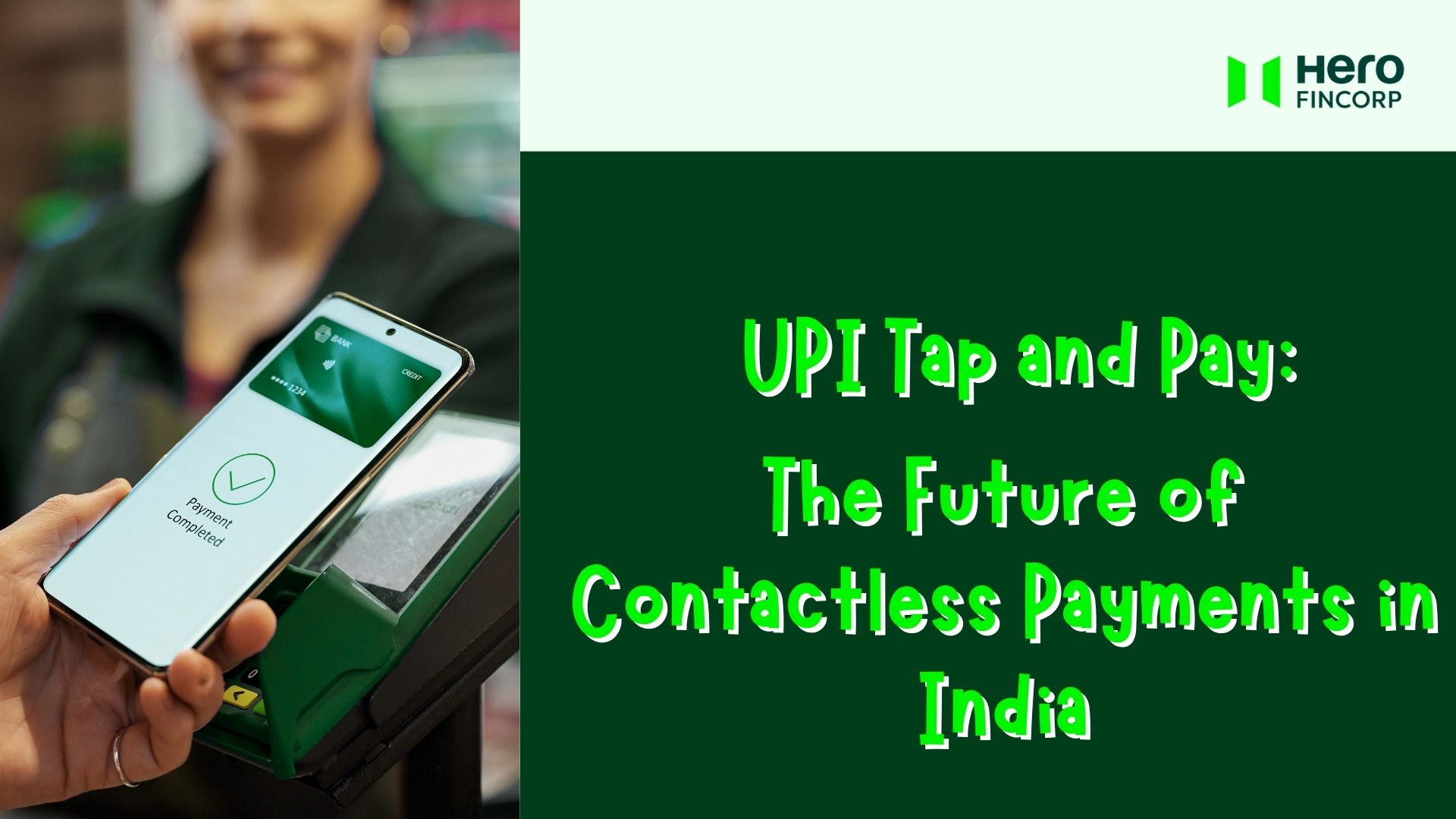
UPI Tap and Pay is exactly what it sounds like: a payment method where all you need to do is bring your phone close to the terminal, and voilà, the transaction is complete. It utilized Near Field Communication (NFC) technology, just as tap-and-pay debit and credit cards do. The only difference is that the payment is processed via a UPI app.
However, for this to work, both the smartphone and the terminal need to have NFC capabilities, and both devices need to be within 4 centimeters of each other. Widespread adoption of this tech will make payments even smoother than they already are in the country that makes billions of UPI transactions a day.
Also Read: How to Pay a Credit Card Bill Through UPI
What Happens Behind the Scenes in UPI Tap and Pay?
To use the tap and pay system, you first need to enable this option in your UPI app and make sure the NFC is turned on in your device. Once you do, the process is as follows -
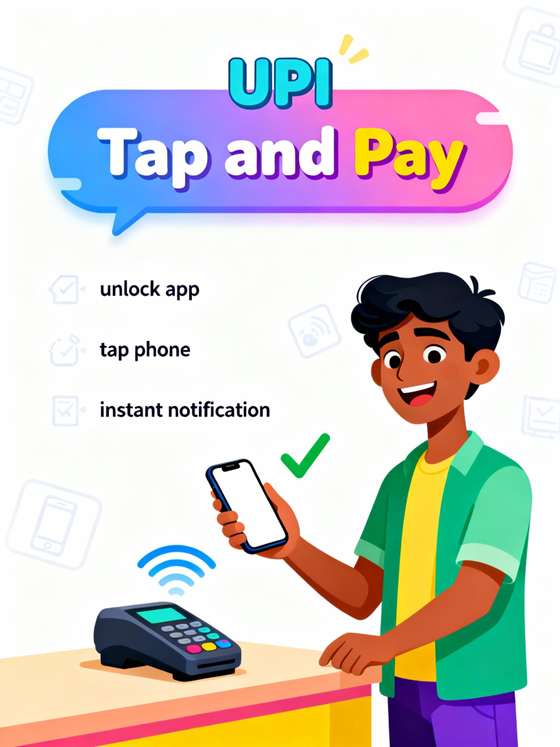
Step 1 - Unlock your UPI app and go to its Tap and Pay section. Enter the amount you want to pay and hold your phone close to the merchant terminal.
Step 2 - The terminal reads tokenised payment credentials from your UPI app and authenticates them. For payments under the tap-and-pay limit (currently ₹500), authentication happens automatically. For anything above this, you will have to enter your UPI PIN.
Step 3 - The UPI network processes the payment. The money gets debited from your linked bank account and credited to the merchant instantly. Both parties are notified within seconds.
As of now, almost all popular UPI apps, such as Google Pay, BHIM, and Paytm, as well as UPI-enabled banking apps, support this feature.
Also Read: UPI Not Working? Here’s How to Fix It Fast
What Are the Benefits of Using the UPI Tap and Pay Feature in India?

The UPI tap-and-pay system has several benefits, including -
It is super quick, which will make payments faster everywhere, from metro stations to small purchases in a busy kirana store.
It's convenient. If you enable UPI Lite, you don't even have to enter a PIN for transactions under ₹500. If you have UPI Lite X enabled, you can even make payments while offline.
It further reduces the dependency on wallets. That said, you need to make sure your phone is always fully charged when you step out.
It's a secure technology as it uses tokenisation in addition to your UPI PIN.
NFC-enabled terminals already exist across the country due to the adoption of tap-and-pay systems for debit and credit cards.
How to Set Up UPI Tap and Pay on Your Device?
Setting up UPI tap and pay on your device takes no more than a minute or two.
Step 1 - Turn on NFC on your device.
Step 2 - Install a UPI app. Download PhonePe, Google Pay, BHIM, Paytm, or your bank's UPI app that supports tap and pay.
Step 3 - Link your bank account. Verify your mobile number, select your bank, and use debit card details to create a UPI PIN.
Step 4 - Enable tap and pay. Open app → Settings → Tap and Pay. Toggle ON. Set as the default NFC payment app.
Step 5 - Make your first payment.
You can use UPI Tap and Pay in almost every payment scenario. This can range from petrol pumps to retail stores, restaurants, pharmacies, and even at the mall.
Also Read: How to Set up a UPI PIN Without a Debit Card?
What Does the Future Hold for UPI Tap and Pay in India?
UPI Tap and Pay is here to stay and will see continued adoption because:
Nearly 85% of all households have smartphones today. Add to this the fact that even midrange smartphones are now NFC-capable. This technology will soon catch on as awareness about it increases.
Smart watches, also coming with NFC baked in nowadays. This will eliminate the need to pull out your smartphone altogether. Smart rings becoming NFC-capable could be a reality in a few years.
With UPI Lite X, we could also see this tech becoming mainstream in public transport across the country. Even in areas with poor network coverage.
The Future is Here
UPI tap and pay represents the next evolution of India's digital payment revolution. We've already mastered QR-based UPI; this is the next obvious step. The best part? The technology to make this payment method mainstream has already been in place for years and is becoming more accessible by the minute. All you need to do is enable it.
Just as UPI Tap and Pay, Hero Fincorp makes the process of getting a loan for an emergency easy and quick. The process is done online, no paperwork is involved, and approval comes in minutes. If you are in need of immediate funds, apply for a personal loan now.
Frequently Asked Questions
1. Is UPI Tap and Pay secure for everyday transactions?
UPI Tap and Pay technology uses token authentication over and above the security your UPI PIN and smartphone offer. Together, this makes UPI tap and pay secure for everyday transactions.
2. Can I use UPI Tap and Pay without internet connectivity?
Yes, if you have UPI Lite X enabled, you can use UPI tap and pay without internet connectivity.
3. What happens if my phone battery dies during a tap and pay transaction?
If your phone dies mid-transaction, generally the payment fails automatically. If the amount has been debited from your account, it will be reversed automatically within 24 hours.
4. Are there any charges for using UPI Tap and Pay?
No, UPI tap and pay transactions remain free for consumers.
5. How do I check my tap and pay transaction history?
Open your UPI app → Transaction History or Passbook. Tap and pay transactions appear like regular UPI transactions with the merchant name, amount, and date.
6. What should I do if a tap and pay transaction fails but the amount is debited?
Failed transactions are supposed to auto-reverse within 24-48 hours per RBI rules. If not reversed, file a complaint through your UPI app's customer support with transaction details.
Also Read: How to Complaint UPI Transaction – Step-by-Step Guide