What is VPA? Meaning, Benefits, and UPI ID Setup Guide - Hero FinCorp
- Decoding the Basics: What Does VPA Mean?
- How Does a VPA Work in UPI Transactions?
- Why You Need a VPA: Top 5 Benefits
- How to Create Your Own VPA: A Step-by-Step Guide
- Transacting with VPA: Sending and Receiving Money
- Making Digital Money Management Simpler with VPA and Hero FinCorp
- Conclusion
- Frequently Asked Questions
A few years ago, sending money online never felt completely easy. Even after entering all the details, people would stop for a second and think, “What if something goes wrong?” That moment of doubt showed up almost every time, especially when money was involved.
Things have changed since then. Payments now happen in the middle of daily life, while buying groceries or paying a friend back after dinner. You no longer need to share bank details each time you send money.
The Virtual Payment Address made this possible by giving people a simpler way to transfer money. In this blog, you will learn what a VPA is, why it matters in everyday payments, and how you can set one up and start using it comfortably.
Decoding the Basics: What Does VPA Mean?
Digital payments seem simple on the surface, but many users still wonder how their money actually connects to the right person. Understanding the meaning of a VPA removes that confusion.
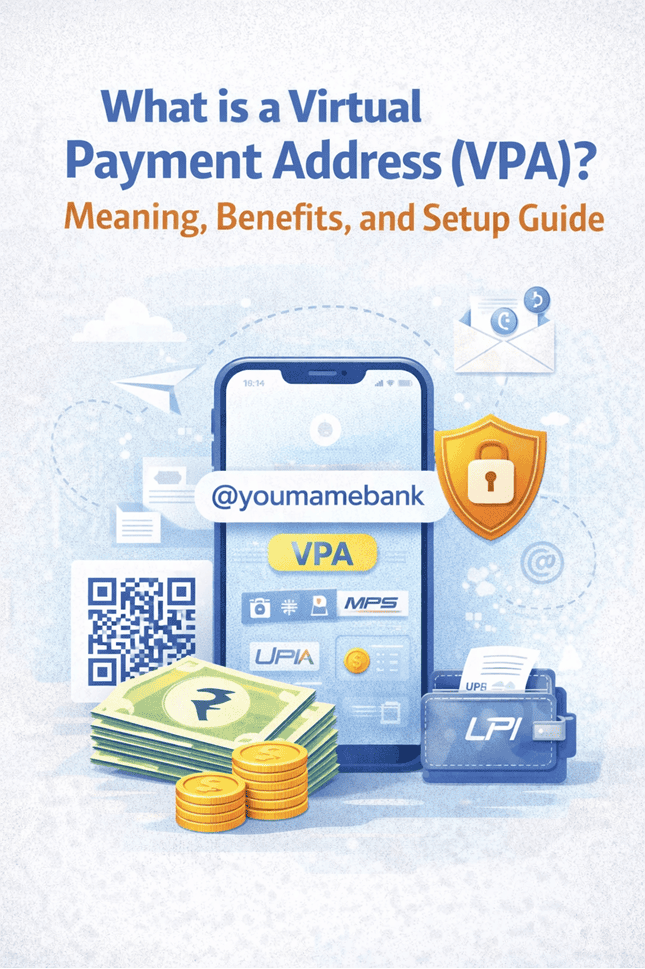
A Virtual Payment Address is a unique digital identifier linked to your bank account for UPI transactions. When you share this address, the system recognises where the money should go and completes the transfer securely. You do not need to enter bank account numbers, branch names, or IFSC codes during the process.
The easiest way to understand a VPA is through an email comparison. When you send an email, you type an address instead of technical server details. A VPA works in the same manner. It directs money accurately while keeping your sensitive banking information private.
How Does a VPA Work in UPI Transactions?
A VPA in UPI payment system makes digital transactions simple by linking your bank account to an easy-to-remember payment ID like name@bank.
- The sender enters your VPA in their payment app to initiate payment.
- The UPI system identifies the bank account linked to that VPA.
- A payment request is securely routed through NPCI’s UPI network.
- The sender authorises the transaction using their UPI PIN.
- Funds are transferred instantly between bank accounts via UPI.
- Your account number and IFSC code remain hidden, improving privacy and security.
- VPAs reduce payment errors and make digital transactions faster and more convenient.
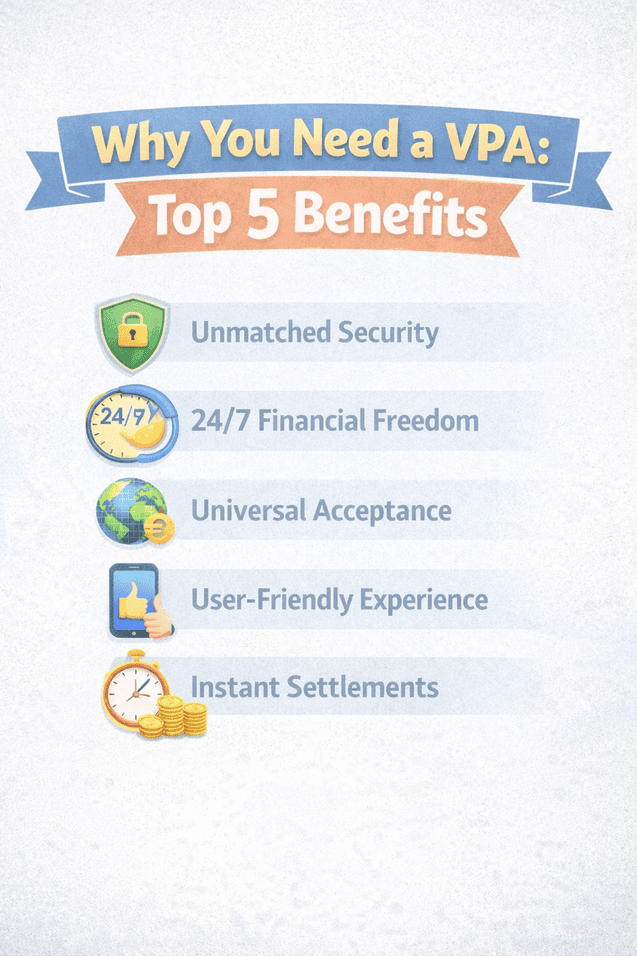
Why You Need a VPA: Top 5 Benefits
Using a VPA changes the way people experience everyday payments. It brings safety, convenience, and confidence into routine transactions.
1. Unmatched Security
A VPA keeps your bank details hidden from others. Since you never share account numbers, the risk of misuse is significantly reduced. Every transaction also requires verification via a UPI PIN or biometric authentication, ensuring full control remains with you.
2. 24/7 Financial Freedom
Payments no longer wait for banking hours. You can send money late at night, early in the morning, or on a public holiday. A VPA keeps working even when banks stay closed.
3. Universal Acceptance
UPI connects different banks and payment apps seamlessly. You can send money from one app while the receiver uses another.
4. User-Friendly Experience
A VPA feels easy to use because it follows familiar digital habits. Typing a short address feels far simpler than entering long banking details. Many users feel comfortable with the process after just a few transactions.
5. Instant Settlements
Payments through a VPA are reflected almost immediately in the receiver’s account. This instant movement of money brings certainty and helps people manage expenses without delay.
How to Create Your Own VPA: A Step-by-Step Guide
Creating a VPA does not require paperwork or branch visits. Most users complete the setup directly from their mobile phone.
Step 1: Choose Your App
Start by downloading a UPI-enabled bank app or a trusted third-party payment app that supports your bank.
Step 2: Link Your Bank
Use the mobile number registered with your bank account. The app verifies it via an automated SMS process and securely connects your account.
Step 3: Customizing Your ID
You can choose your own VPA handle, usually in a simple format such as name@bank or mobilenumber@upi. Selecting something easy to remember helps during frequent payments.
Step 4: Secure Your Account
Create a four or six-digit UPI PIN to protect transactions. This PIN authorises every payment and keeps control firmly in your hands. Avoid sharing it with anyone.
Transacting with VPA: Sending and Receiving Money
Once your VPA becomes active, daily transactions feel smooth and predictable. Understanding both directions helps avoid errors.
Sending Money
- Open the payment app
- Select the UPI option
- Enter the recipient’s VPA
- Add the amount and purpose
- Confirm using your UPI PIN
Receiving or Requesting Money
- Select the request money option
- Enter the sender’s VPA
- Send the request notification
- Approve once received
- Receive the amount instantly
Making Digital Money Management Simpler with VPA and Hero FinCorp
Once you get comfortable with a Virtual Payment Address, everyday payments stop feeling like a task. You send money, it goes through, and you move on with your day. That quiet confidence is what makes digital payments truly useful.
When life calls for something bigger, the same simplicity matters. Hero FinCorp makes this easier through its personal loan app, where you can check eligibility and apply digitally without running around. With the right support in place, handling money feels less stressful and far more manageable.
Conclusion
A Virtual Payment Address or VPA simplifies digital payments by replacing lengthy bank details with an easy-to-use payment identity. From secure money transfers to instant settlements, VPAs make everyday transactions faster and more convenient. By understanding how VPAs work and setting one up correctly, users can handle digital payments with greater confidence, privacy, and ease.
Frequently Asked Questions
Can I have multiple VPAs for one bank account?
Yes, many apps allow multiple VPA links to the same account, which helps manage different payment needs.
Is a VPA the same as a UPI ID?
Yes, both terms refer to the same digital address used for UPI transactions.
What happens if I enter the wrong VPA?
If the VPA does not exist, the transaction fails. If it belongs to another user, the amount may be credited to that account, so careful checking is important.
Do I need an internet connection to use VPA?
Yes, UPI transactions require an active internet connection.
Is there a limit on VPA transactions?
Transaction limits depend on your bank and current UPI guidelines.
Are VPA and UPI ID the same?
Yes, VPA and UPI ID are generally the same. Both identify your bank account for UPI payments.
Can I change my VPA?
Yes, most UPI apps allow you to create or change your VPA through profile or payment settings.
What happens if I send money to the wrong VPA?
If payment succeeds, recovery depends on recipient approval and bank support. Raise a complaint immediately through your app.
Is it safe to share a VPA publicly?
Yes, sharing a VPA is generally safe because it does not expose your account number or IFSC code.
How do I find my VPA in UPI apps?
Open your UPI app, go to Profile or Bank Accounts, and view your linked UPI IDs or VPAs.
Can I delete an old VPA?
Yes, you can remove unused VPAs through the Manage UPI IDs or Profile section in most UPI apps.
Disclaimer: The information provided in this blog post is intended for informational purposes only. The content is based on research and opinions available at the time of writing. While we strive to ensure accuracy, we do not claim to be exhaustive or definitive. Readers are advised to independently verify any details mentioned here, such as specifications, features, and availability, before making any decisions. Hero FinCorp does not take responsibility for any discrepancies, inaccuracies, or changes that may occur after the publication of this blog. The choice to rely on the information presented herein is at the reader's discretion, and we recommend consulting official sources and experts for the most up-to-date and accurate information about the featured products.
 Apply For Used Car Loan
 Apply For Personal Loan
 Apply For Loan Against Property
 Apply For Two Wheeler Loan
 Apply For Business Loan
 Apply For New Car Loan
Did You Know
Disbursement
The act of paying out money for any kind of transaction is known as disbursement. From a lending perspective this usual implies the transfer of the loan amount to the borrower. It may cover paying to operate a business, dividend payments, cash outflow etc. So if disbursements are more than revenues, then cash flow of an entity is negative, and may indicate possible insolvency.